
Android · Bluetooth HID
Control any PC from your phone.
Leave the clicker, the extra keyboard, and the USB dongle at home. Your phone already has everything it takes to be a Bluetooth mouse, wireless keyboard, and TV remote. KeyBeam just switches it on.
What's inside
Pair once over Bluetooth HID, exactly like a real hardware mouse or keyboard. Nothing to install on the host.
-
Touchpad
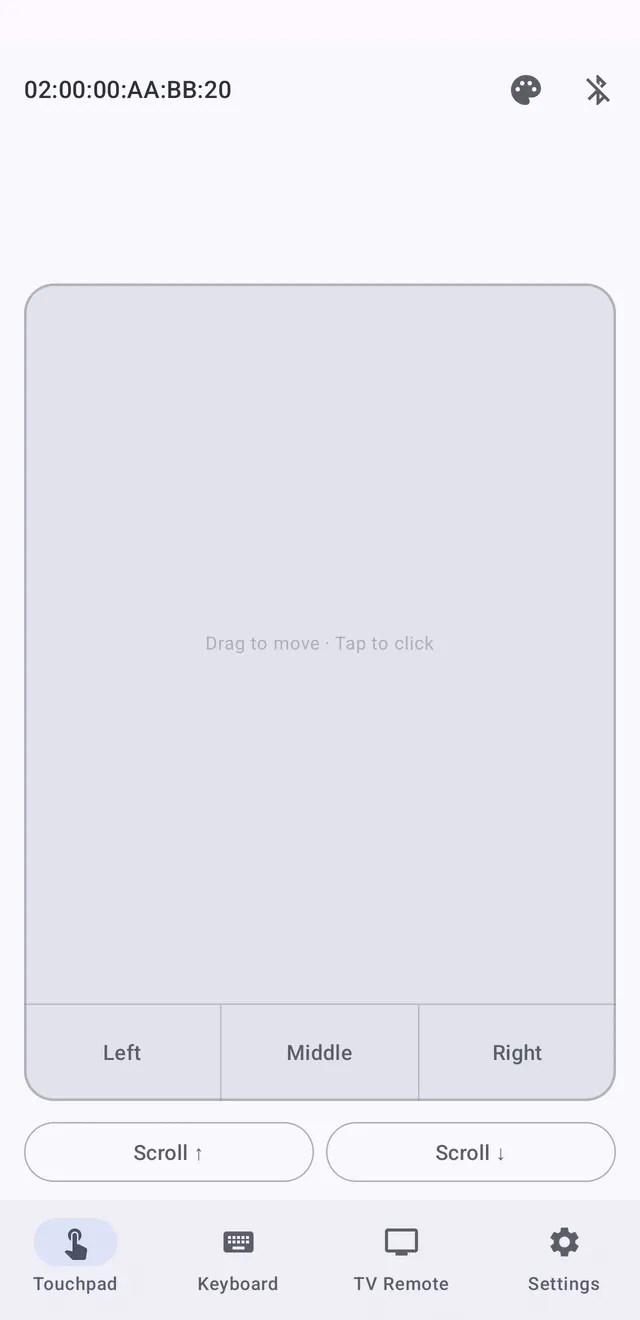
A smooth Bluetooth trackpad with left and right click and scroll buttons, for precise cursor control from the couch, the podium, or across the room.
-
Wireless keyboard
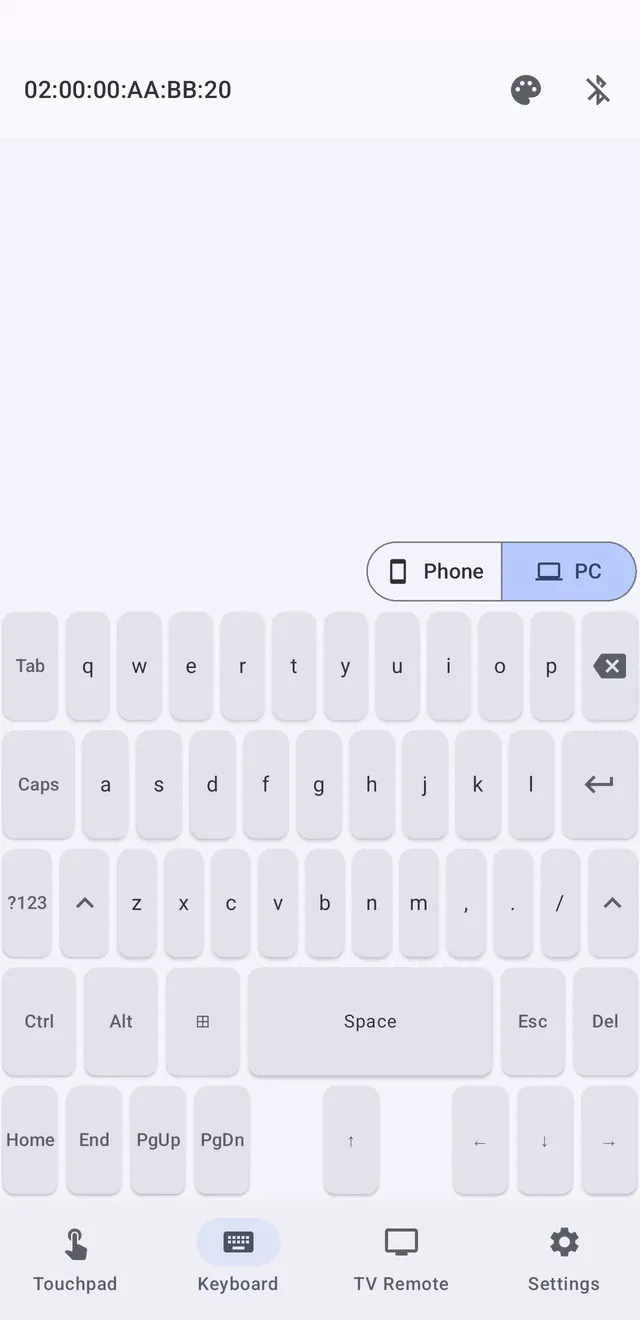
A full PC-layout keyboard with modifier keys (Ctrl, Alt, Win/Cmd) for shortcuts, or a compact phone-style layout for quick typing.
-
TV Remote
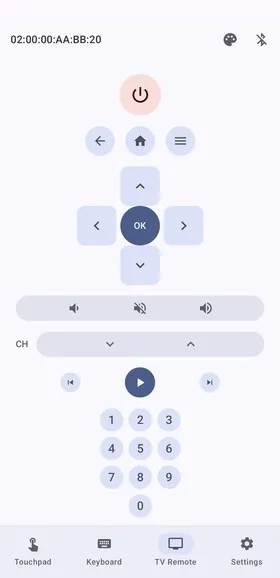
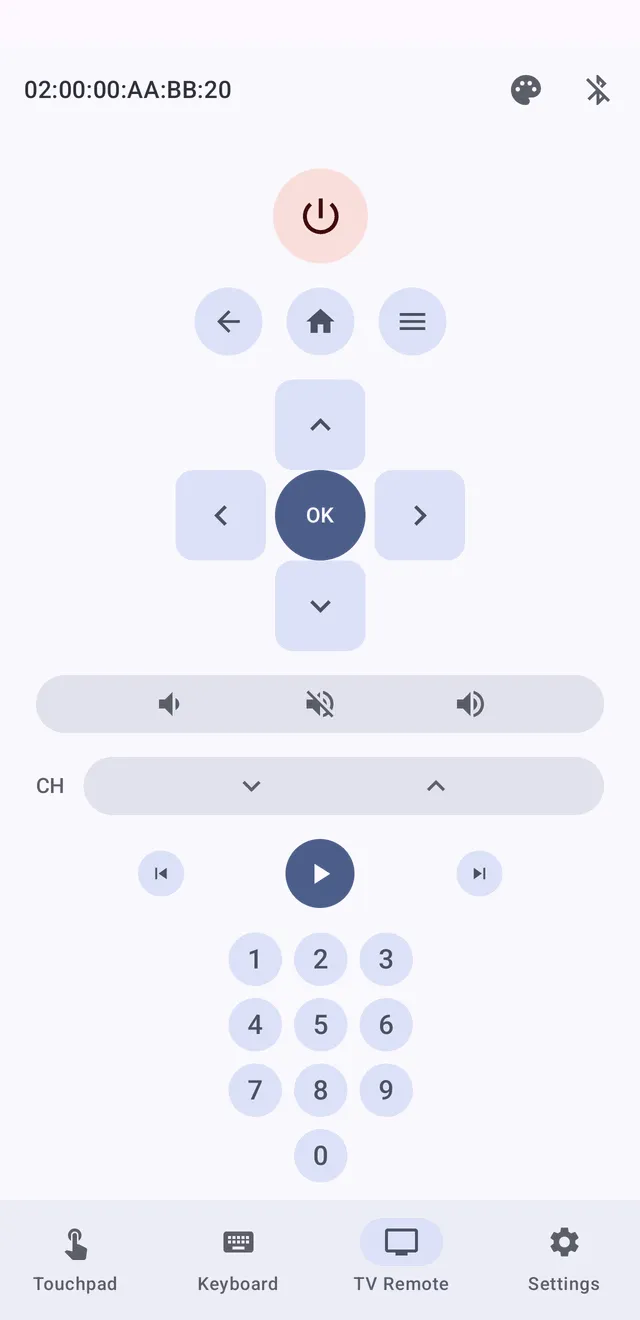
D-pad with OK, power, back, home and menu, volume and channel, playback controls, and a full number pad. Big buttons for one-handed use.
-
Multi-device memory
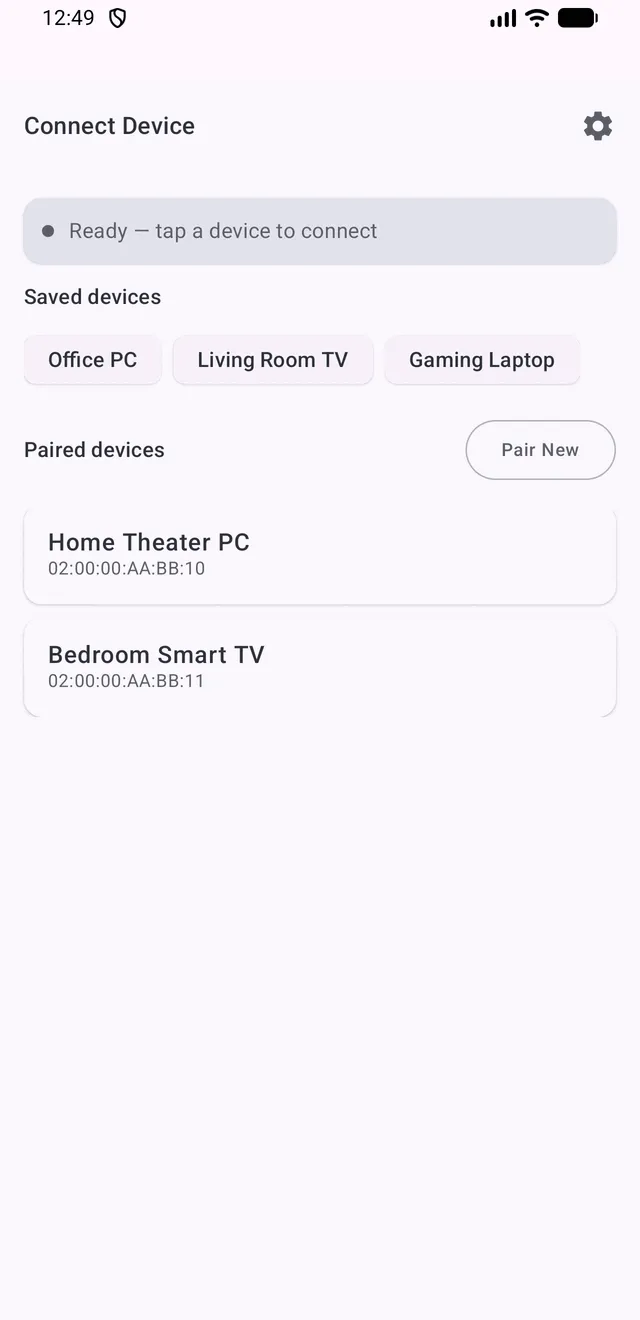
Save your PC, laptop, and TV as separate connections and switch between them without re-pairing (unlimited saved devices with Pro).
-
Nothing to install on the host
KeyBeam pairs over Bluetooth HID like a real mouse or keyboard. No driver, companion app, or dongle on your PC, laptop, or TV.
-
Dark and light themes
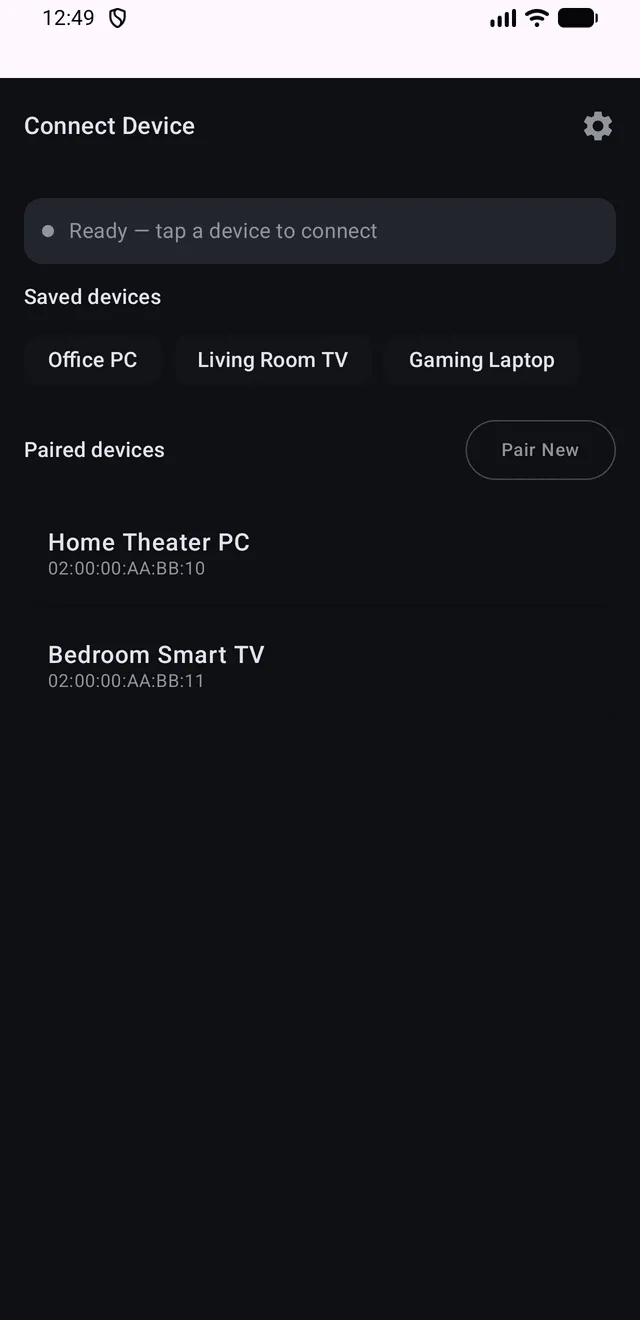
A clean Material 3 interface with full dark theme support and a custom accent color.
How it works
-
Make your phone discoverable
Open KeyBeam and make your phone discoverable over Bluetooth.
-
Pair from your PC or TV
On your TV or computer, open Bluetooth settings and pair with your phone, the same way you would pair a wireless mouse or keyboard.
-
Take control
Pick TV Remote, Keyboard, or Touchpad and start controlling. KeyBeam remembers the device so it can reconnect quickly.
See it in action
A media PC hooked to the TV, slides during a presentation, typing on a smart TV, a headless PC with no keyboard attached.
Questions
Do I need to install anything on my PC or TV?
No. KeyBeam shows up as a standard Bluetooth mouse and keyboard, so if your PC, laptop, or TV can pair with a Bluetooth keyboard or mouse, it can pair with your phone. No drivers, companion software, or dongles.
Which devices does it work with?
Any host that accepts a standard Bluetooth keyboard or mouse: Windows, macOS, Linux, and ChromeOS computers, plus TVs and streaming devices that support Bluetooth keyboards. Which remote buttons a TV responds to depends on that TV's Bluetooth support.
Is KeyBeam free?
The touchpad and the phone-style keyboard are free, with ads. TV Remote and the PC keyboard layout can be tried free for 24 hours by watching a rewarded ad, or unlocked permanently with a one-time Pro purchase. Pro also removes ads, unlocks unlimited saved devices, and adds a custom accent color.
Can KeyBeam see my screen or what I type?
No. The connection is one-way: KeyBeam only sends your own input to the device you chose. It does not read the screen, files, or clipboard of that device, and what you type is not recorded. Details are in the privacy policy.
Do I need an account or an internet connection?
No account is needed and the app works offline. Internet is only used for installation, updates, Pro purchases, and showing ads in the free version.
More in the Privacy Policy and Terms of Service.
No drivers, no dongles, no second remote.
Install KeyBeam and put your phone to work.